
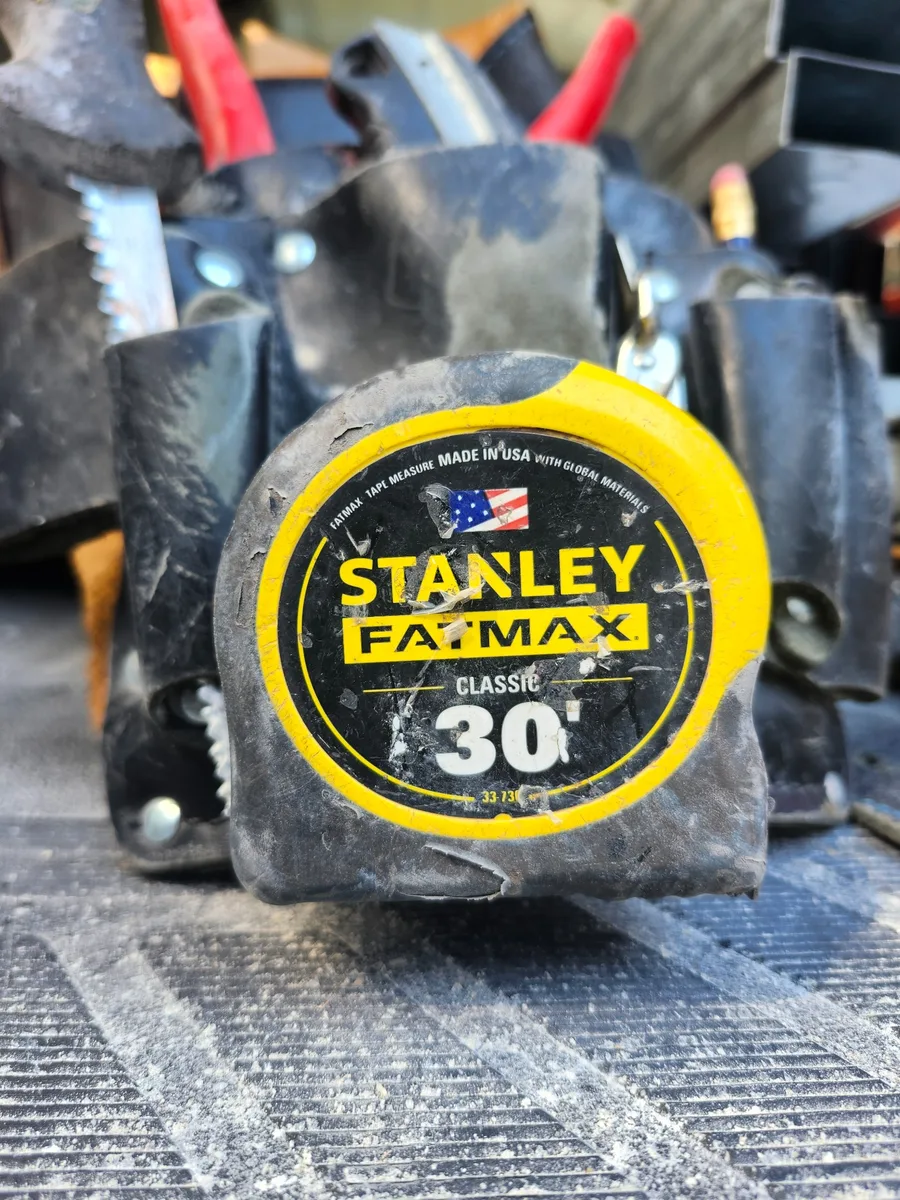
 THE ONLY TAPE I USE
STANLEY FATMAX Tape Measure (30-Foot)
The FATMAX is the tape I reach for on door layout. Nothing else has ever felt as right in my hand.
View on AmazonDOOR HANDING TRAINER
Practice commercial door handing from clean plan-view openings at your own pace, then switch to Arcade Mode for a 60-second run where one wrong answer ends the run.
READY
Use the marked reference side. Read the hinge side first, then decide whether the swing is straight or reverse.
CHOOSE THE HAND
GEAR FROM THE FIELD
The same tools I reach for when the handing lesson turns into setting the frame.
Affiliate disclosure: BidSimp may earn a commission from qualifying purchases made through the Amazon links below, at no additional cost to you. Learn more.
THE ONLY TAPE I USE
The FATMAX is the tape I reach for on door layout. Nothing else has ever felt as right in my hand.
View on Amazon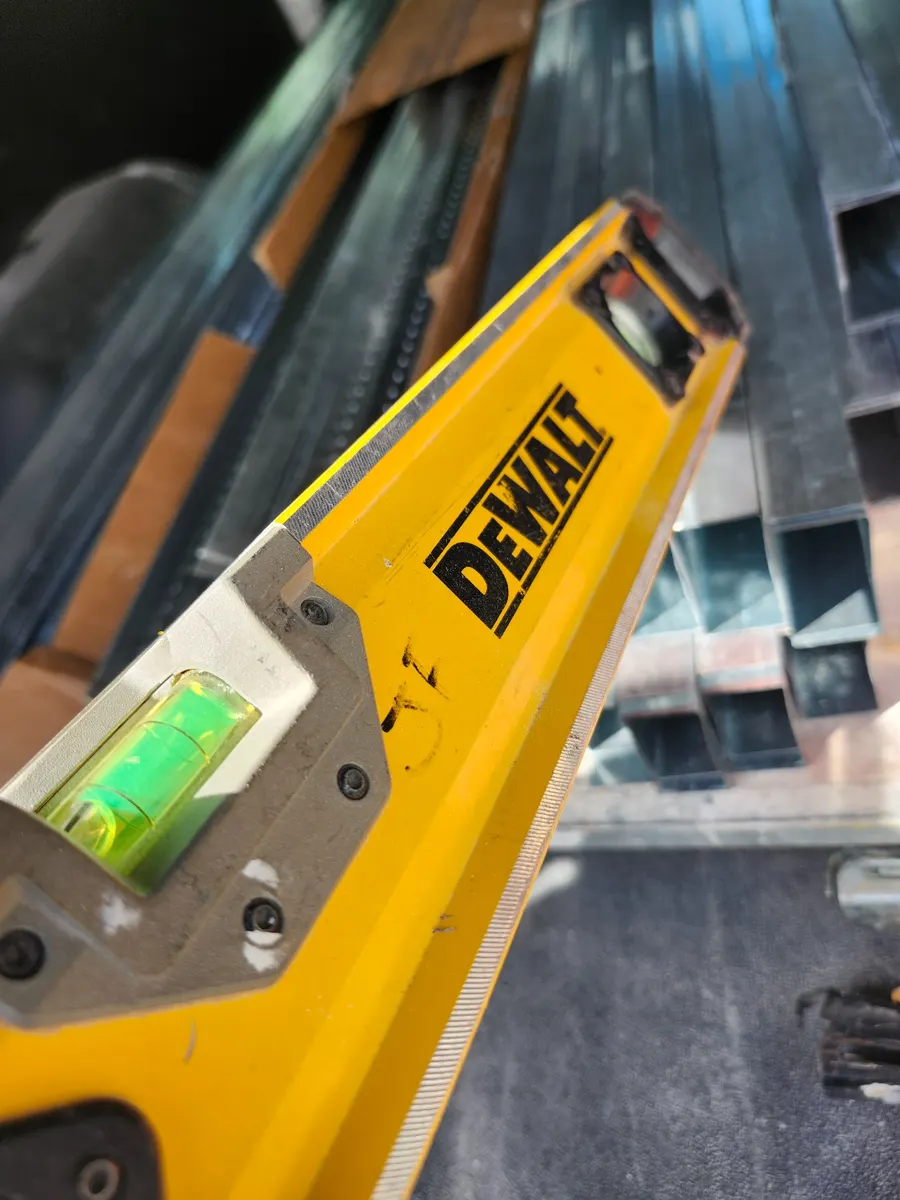 HEADER LEVEL
I love this for leveling door headers. Strong magnets, durable body, and it can take some hits.
View on Amazon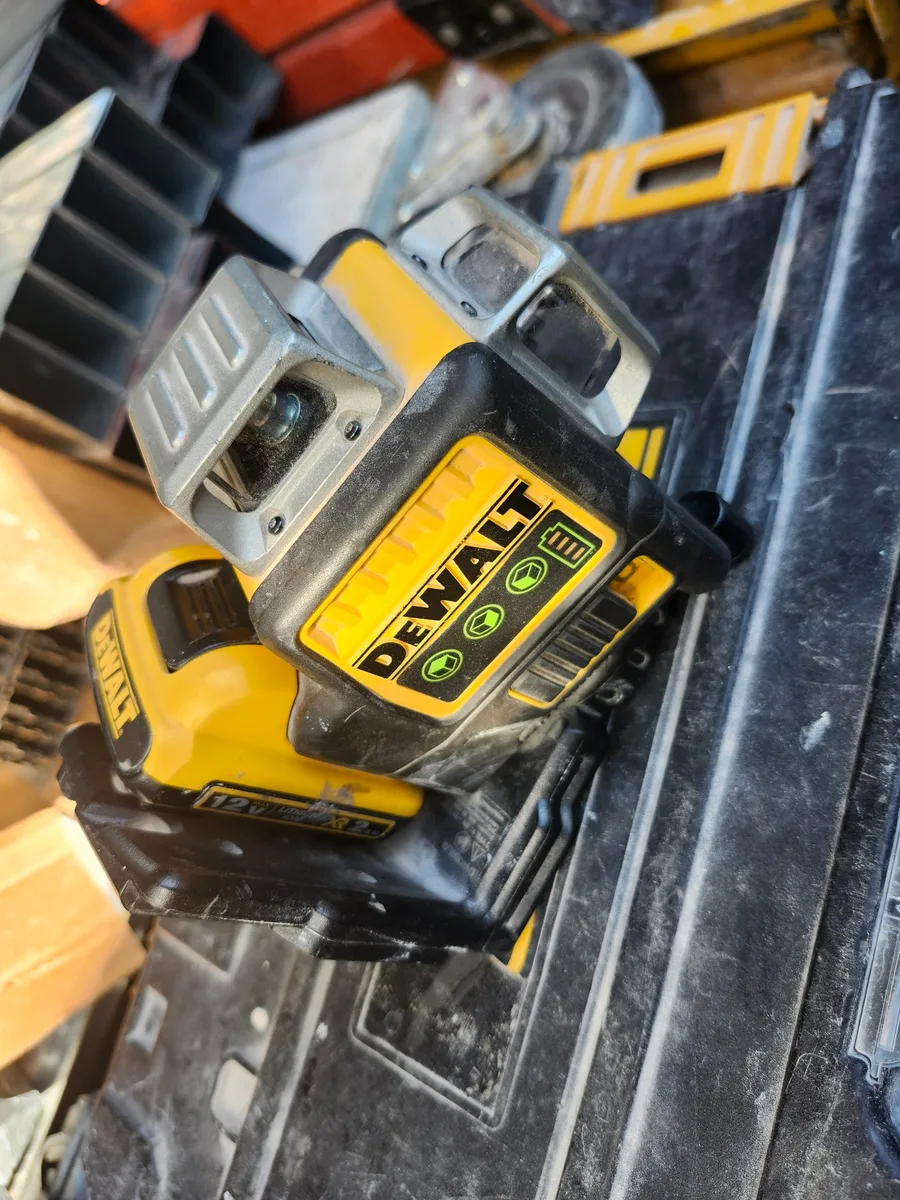 MY FAVORITE LASER
My favorite all-around laser. I use it to level the legs when setting hollow metal doors.
View on AmazonTraining aid: This trainer uses a common U.S. commercial door-handing convention and explicitly marks the reference side for each problem. Door and hardware conventions can vary by project, manufacturer, and specification. Always verify the project door schedule, hardware set, drawings, and supplier requirements before ordering. Terms & Disclaimer
DOOR HANDING PRACTICE GUIDE
Training Mode and Arcade Mode rotate the point of view between the top and bottom of the plan. That matters because screen-left and screen-right can reverse when the reference side moves. The dependable method is always the same: stand on the marked reference side, identify the hinge side, and then decide whether the leaf swings away or toward you.
Use the side marked VIEW FROM HERE. Do not assume the bottom of the screen is always the correct viewpoint.
Hinges on your left produce LH or LHR. Hinges on your right produce RH or RHR.
A leaf swinging away is straight hand. A leaf swinging toward the reference side adds the R for reverse.
Hand first, reverse second. Reading the hinge side before the swing reduces the four choices to two and prevents the plan orientation from becoming a guessing game.
WORKED EXAMPLE
If the same hinge condition swung away, the answer would be LH.